


How to Connect Claude and ChatGPT to Your Knowledge Base with MCP (Document360)
Connect Claude and ChatGPT to your Document360 knowledge base with MCP so they can search, create, and update articles from a chat. Step-by-step setup for both.
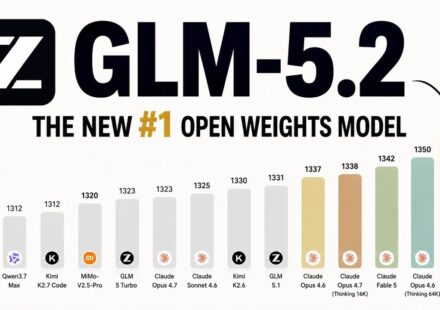
GLM 5.2 Review: The Open-Source Model Taking On GPT-5.5 at Coding
GLM 5.2 from Z.ai is an MIT-licensed open model with a 1M context. What it is, its benchmarks, and how to try it free in chat.z.ai and ZCode.
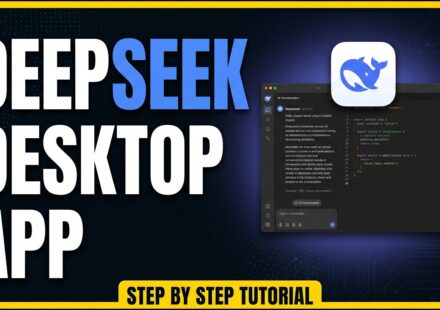
DeepSeek GUI: A Desktop AI Agent Workspace for Coding and Writing (Setup Guide)
DeepSeek GUI is an open-source desktop app that turns DeepSeek into an AI agent workspace. Install it, add your API key, and use Code Mode and Write Mode.
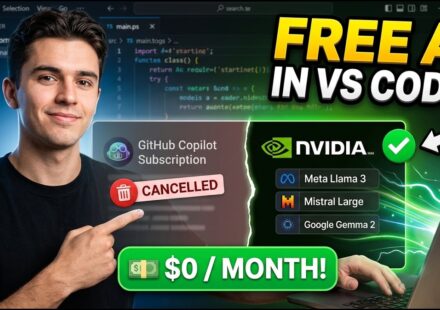
Use 40+ Free AI Models in VS Code with NVIDIA NIM (A Free Copilot Alternative)
Connect NVIDIA NIM to VS Code and use 40+ free AI models, including DeepSeek V4 Flash, in the chat panel. Three steps, a free API key, and no credit card.

FreeLLMAPI Tutorial: Combine 14 Free AI Provider Tiers Into One Endpoint on Windows
Set up FreeLLMAPI on Windows to combine free developer tiers from Gemini, Groq, GitHub Models, NVIDIA, Mistral and more behind one OpenAI-compatible endpoint.

The 12 CLAUDE.md Rules That Make Claude Code Far More Reliable
What CLAUDE.md is, the Karpathy-inspired rules behind the viral GitHub repo, all 12 rules explained in plain English, and a copy-paste CLAUDE.md template.
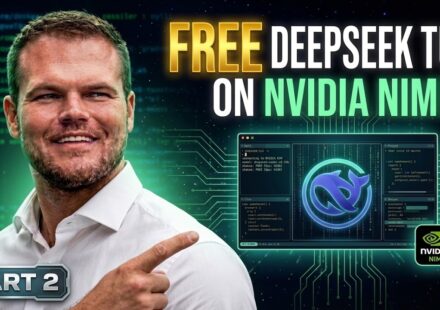
How to Run DeepSeek TUI for Free with NVIDIA NIM (No Credit Card)
Run DeepSeek V4 Pro and V4 Flash free in DeepSeek TUI with NVIDIA NIM: get a free API key, connect it, and launch both models from your terminal.
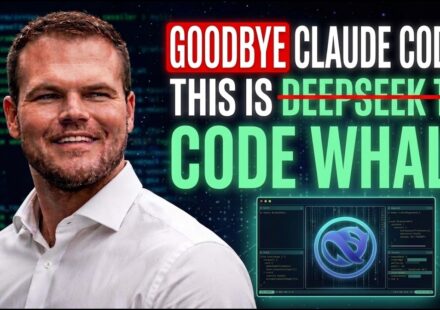
DeepSeek TUI (CodeWhale): A Free, Open-Source Claude Code Alternative Built in Rust
DeepSeek TUI (now CodeWhale) is an open-source terminal coding agent built in Rust. How it works, how to install it, and how it compares to Claude Code.
Ornith-1.5 Explained: The Self-Improving Open Model Taking On Claude
Ornith-1.5 trains on problems it writes and grades itself. What's in the release, what the benchmarks show, and how it really compares to Claude.
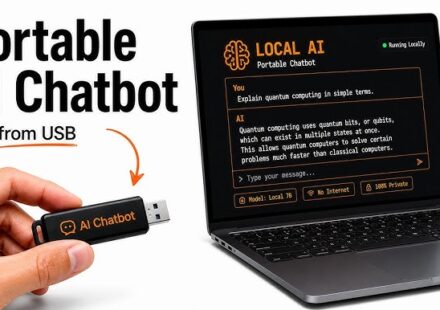
Run an AI Model From a Pen Drive (Windows, Fully Offline)
Run a local AI model from a USB pen drive on any Windows PC, fully offline. One executable, one model file, no install, no Python. Step-by-step guide.