

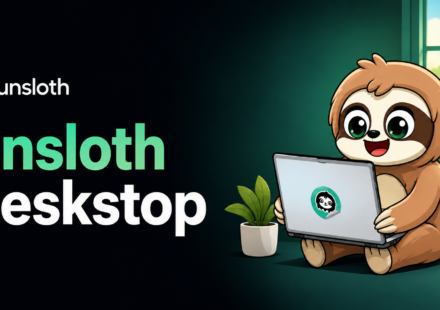
Unsloth Desktop on Windows: the setup guide I wish I’d had
Install Unsloth Desktop on Windows the right way. Desktop vs Studio vs Core explained, plus the setup steps that trip most people up.
Run Claude Code on Free AI Models with OmniRoute (Beginner Setup Guide)
Set up Claude Code with free AI models using OmniRoute. A beginner guide with every command to copy, from install to switching models in your terminal.

DeepSeek V4 Flash 0731: What Changed and How to Run It Free in VS Code
What changed in DeepSeek V4 Flash 0731, and how to run it free inside VS Code step by step. No terminal experience needed.

OmniRoute Tutorial: Replace Paid AI Subscriptions with 250+ Free AI Models
Connect 250+ free AI models to one local endpoint with OmniRoute. Full Windows setup with VS Code and automatic fallback between providers.
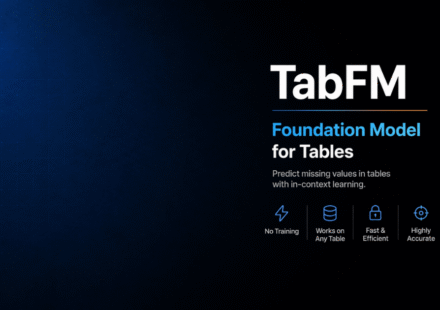
TabFM: Google’s New Zero-Shot Foundation Model for Tabular Data (Hands-On Guide)
Google's TabFM is a zero-shot foundation model for tables. What it does, how to install and run it, and how I fixed a real bug while testing it.
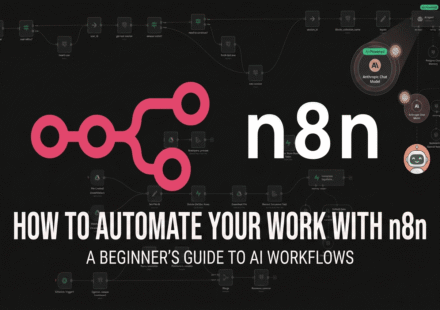
How to Automate Your Work With n8n: A Beginner’s Guide to AI Workflows
Learn n8n to automate repetitive tasks with AI: core concepts, your first email-summary workflow, and more beginner automations.
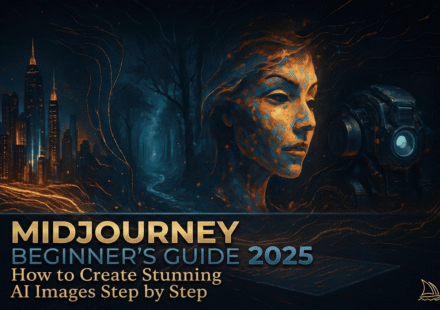
Midjourney Beginner’s Guide: How to Create Stunning AI Images Step by Step
New to Midjourney? Create AI images from text prompts: account setup, prompt structure, key parameters, and refining your results.
How to Run AI Locally on Your PC with Ollama (No Cloud, No Subscription)
Install Ollama and run open AI models like Gemma 3, Qwen3, and gpt-oss offline on your own PC or Mac. A step-by-step guide for complete beginners.
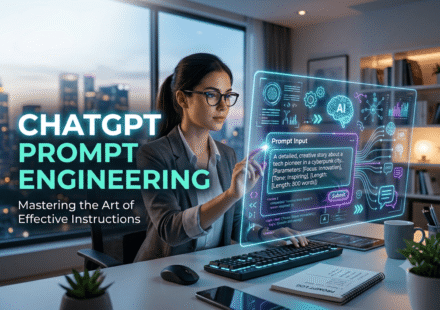
ChatGPT Prompt Engineering for Beginners: How to Get Better Results Every Time
Learn how to write better ChatGPT prompts and get more accurate, useful results. A complete beginner's guide to prompt engineering with real examples.
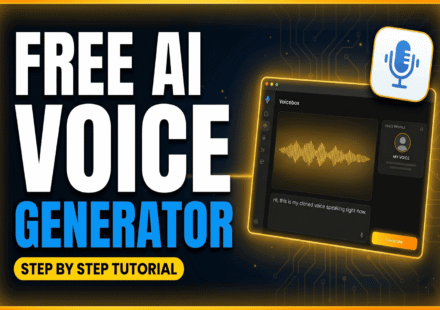
Clone Any Voice for Free with Voicebox: Full 2026 Guide
Learn how to clone any voice for free using Voicebox, an open-source AI voice studio that runs 100% locally on your PC. Full step-by-step tutorial.